


SSO / Identity Integration
RollCall + Microsoft 365
Let staff and parents sign in to RollCall with Microsoft 365, one less password to manage.
Get a quoteWhat the Microsoft 365 integration does
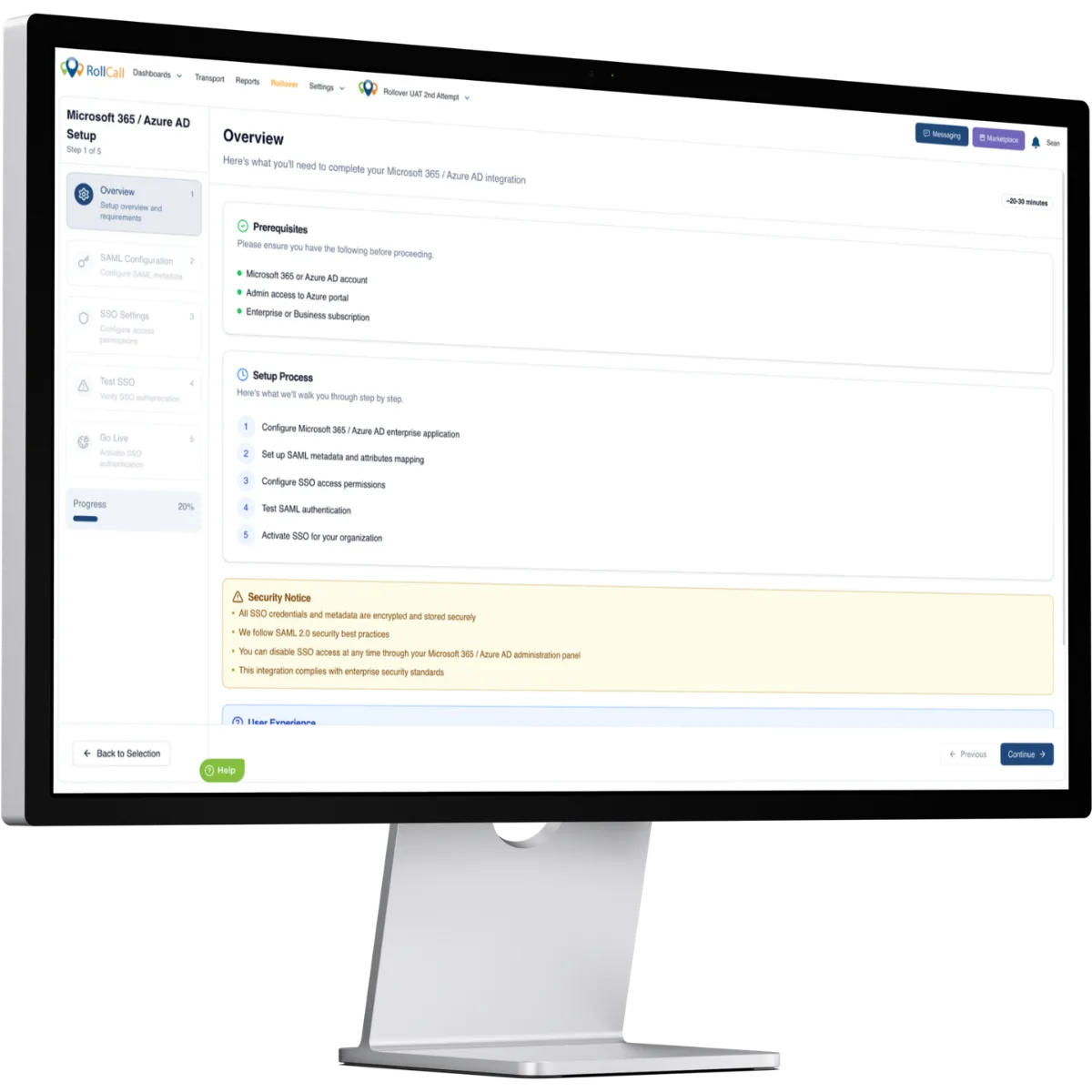
RollCall supports SAML 2.0 single sign-on with Microsoft 365, so staff and parents can sign in using their existing Microsoft credentials. RollCall acts as the service provider and delegates authentication to Microsoft 365, removing separate passwords from RollCall, which simplifies access and strengthens security.
Data flow
One-way syncMicrosoft 365 handles authentication via SAML 2.0. RollCall acts as the service provider and delegates sign-in to Microsoft 365, so no passwords are stored in RollCall.
| Data | Direction |
|---|---|
| Authentication (SAML 2.0)Your identity provider verifies the user and returns a signed SAML assertion | Microsoft 365 → RollCall |
| Session tokensRollCall stores only the resulting session tokens, never the password | Microsoft 365 → RollCall |
What you need
- A Microsoft 365 tenant with administrator access
- A RollCall account with SSO enabled
Setup
Create a SAML app in Microsoft 365
In the Azure portal, add a new Enterprise application and configure SAML-based single sign-on. Add RollCall's ACS (Assertion Consumer Service) URL as the reply URL so Microsoft 365 knows where to send the SAML response.
Share the SAML metadata with RollCall
Provide the IdP metadata (sign-in URL and certificate) to RollCall and choose who can use SSO: administrators, parents/guardians, or both.
Test and roll out
Confirm a test sign-in works, then communicate the single sign-on option to your users.
Microsoft 365 integration FAQs
More SSO / Identity integrations


See it in your school
Get a quote for your school with the Microsoft 365 integration included.
No obligation, see how RollCall fits your existing stack.