


Payments Integration
RollCall + Stripe
Collect bus fares with Stripe using your school's own account, with no cash to chase and funds settling straight to you.
Get a quoteWhat the Stripe integration does
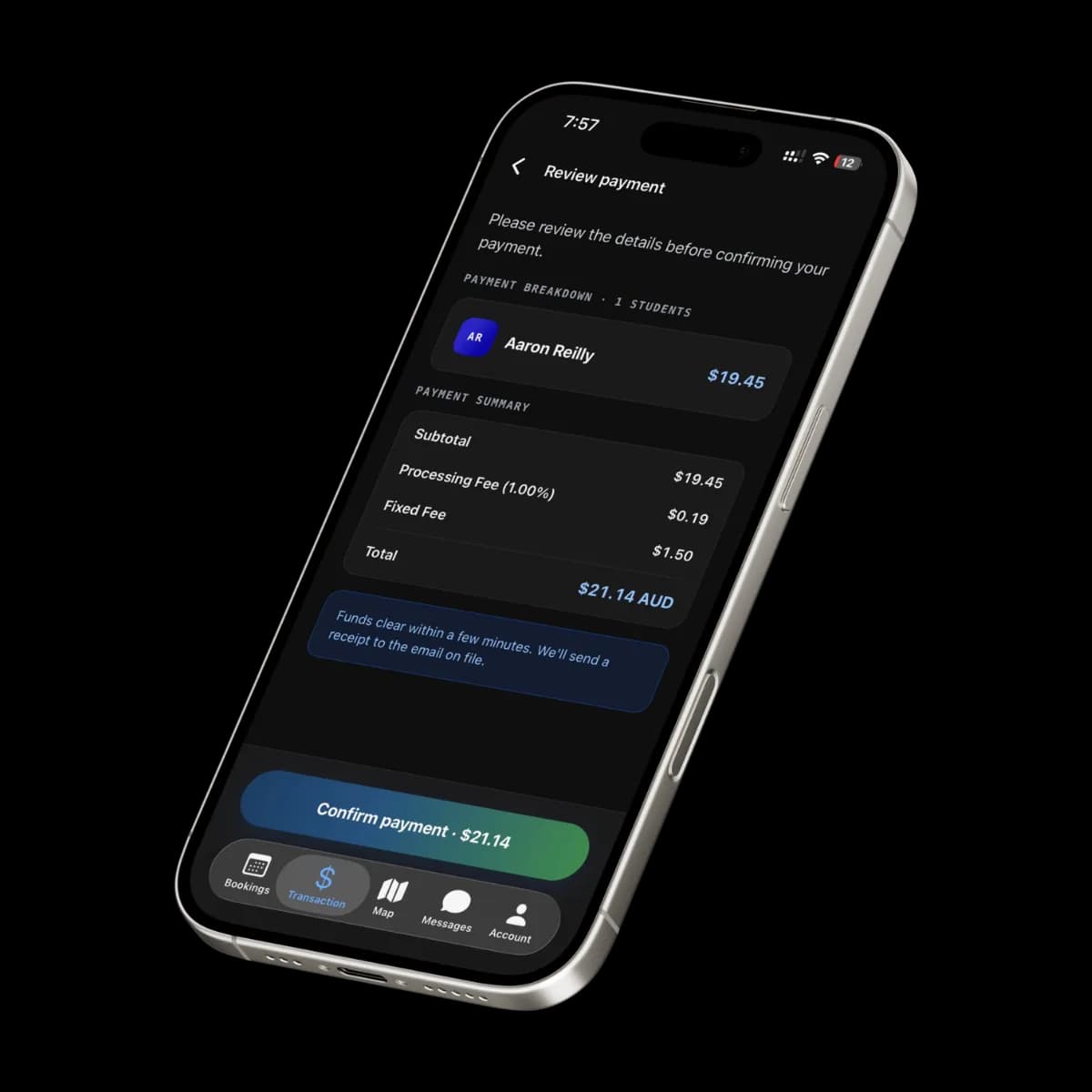
RollCall integrates with Stripe to collect bus fare payments from parents securely. Charges are presented at checkout and payment status flows back to RollCall in real time, keeping parent balances and finance reconciliation accurate, with funds settling directly to your account.
Data flow
Two-way syncRollCall Pay uses your own Stripe account. Parents check out on Stripe's hosted payment page, and payment status flows back to RollCall so balances stay accurate, and funds settle directly to your account.
| Data | Direction |
|---|---|
| Fare chargesBus fare and top-up amounts sent to a hosted Stripe checkout | RollCall → Stripe |
| Card paymentCard details are entered on Stripe's secure page, never stored by RollCall | Handled by Stripe |
| Payment statusSuccess, failure and pending states update parent balances | Stripe → RollCall |
| SettlementFunds settle to your own merchant account, not held by RollCall | Stripe → your account |
What you need
- A merchant account with Stripe
- Bus fares enabled on your RollCall account
- Administrator access to connect the account
Setup
Create or connect your Stripe account
Set up a Stripe merchant account (or use your existing one) and generate the API credentials RollCall Pay needs to process fare payments.
Connect in RollCall
Enter your Stripe credentials in RollCall Pay's settings. Because you connect your own account, funds settle directly to you, so RollCall never holds parent money.
Run a test transaction
Process a small test payment to confirm the connection, then enable fare payments for parents.
Stripe integration FAQs
More Payments integrations


See it in your school
Get a quote for your school with the Stripe integration included.
No obligation, see how RollCall fits your existing stack.