
News1 November 2026
Help, Right Where You're Working
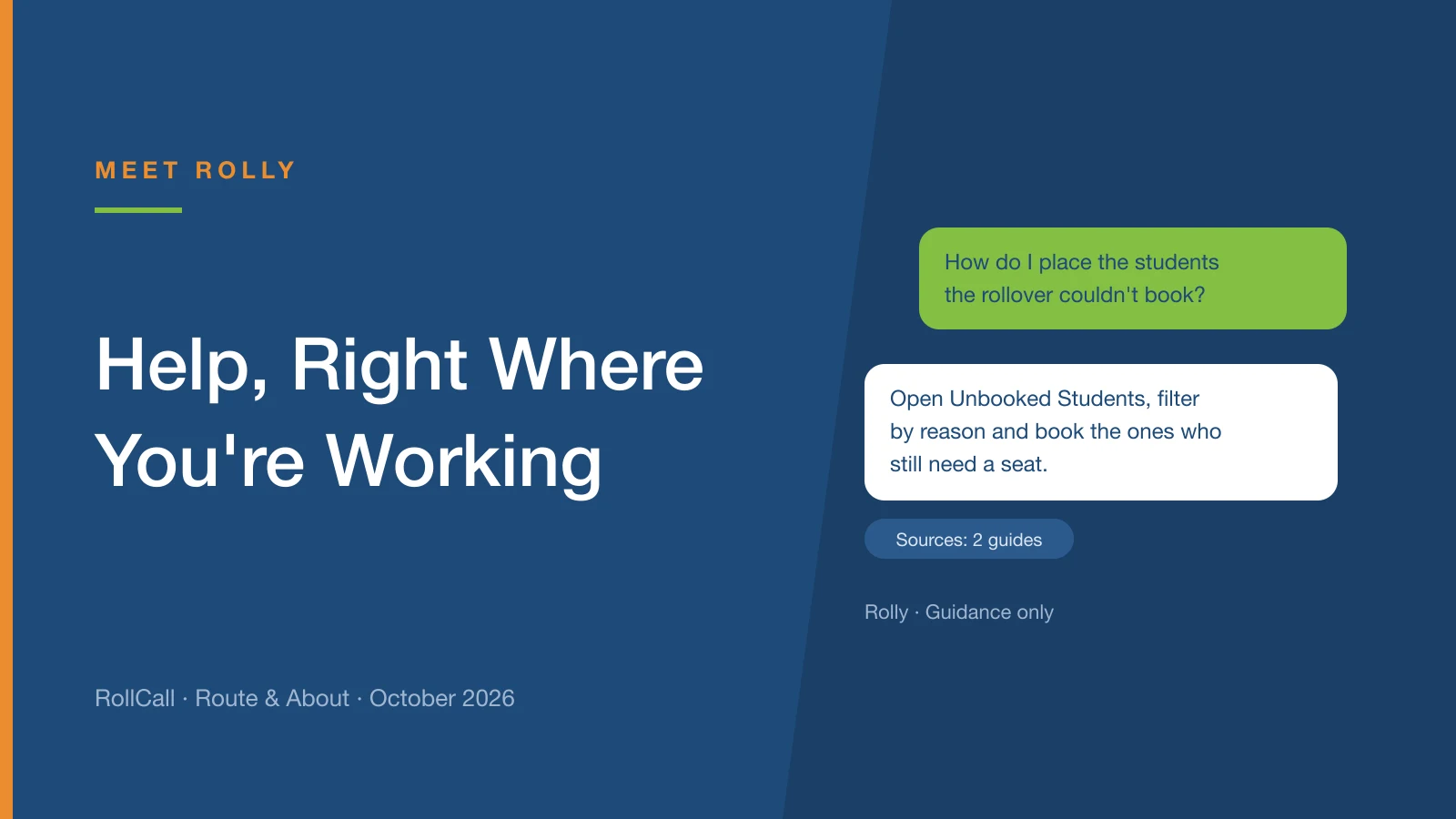
Help has moved beside the screen you're working on, and on some screens it now includes Ask Rolly, our AI-assisted helper. Here's what Rolly does, what it can't do, and where to find it.
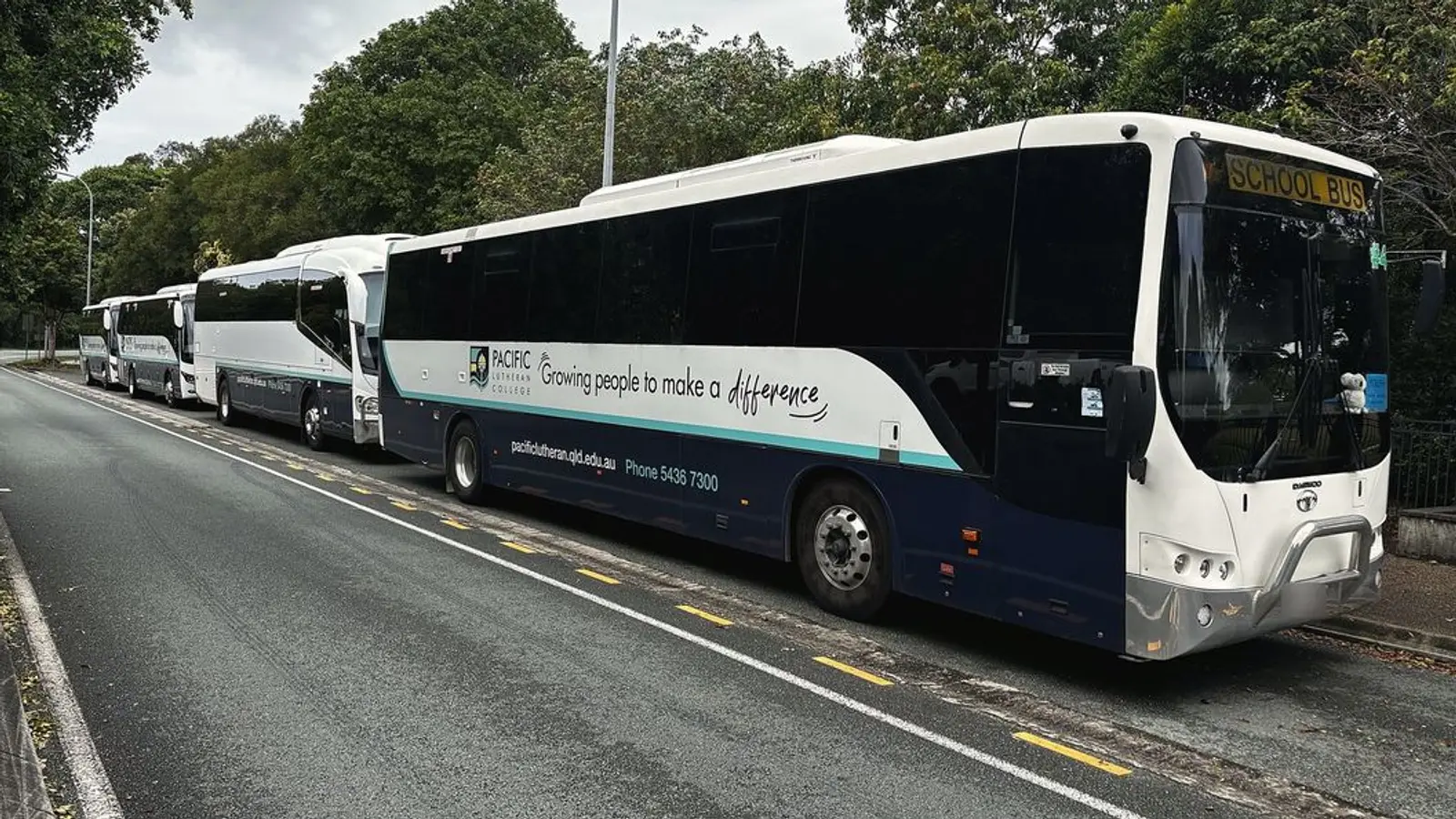
Five days on the Sunshine Coast, and not much sunshine.
Queensland calls itself the Sunshine State. Nobody told the Sunshine Coast. From 19 to 23 October it rained, then rained some more, then bucketed down.
Thankfully, the welcome at every school was a lot warmer than the weather.
Over the week we visited Pacific Lutheran, Suncoast Christian, Sunshine Coast Grammar, Coolum Beach Christian, Peregian Beach, Noosa Christian and Good Shepherd Lutheran.
Thank you to every one of them for having us, rain and all.
The highlight for most schools was the new Bookings area, especially the built-in bus application that flows straight into RollCall. Families apply through your school's sign-up form, and the application lands in RollCall ready to work through. No more re-keying forms.
If you're weighing up how bookings should work at your school, Who Makes the Booking? walks through the three ways to set it up.
A close second: Smart Route, and Navigation on the driver's device. Set the road you want the bus to take, and the driver app follows it turn by turn. We wrote about that in The Route You Planned Is Now the Route the Bus Drives.
If you'd like one of the team to drop in next time we're in your part of the world, email support@rollcall.com.au.
Help has moved beside the screen you're working on, and on some screens it now includes Ask Rolly, our AI-assisted helper. Here's what Rolly does, what it can't do, and where to find it.
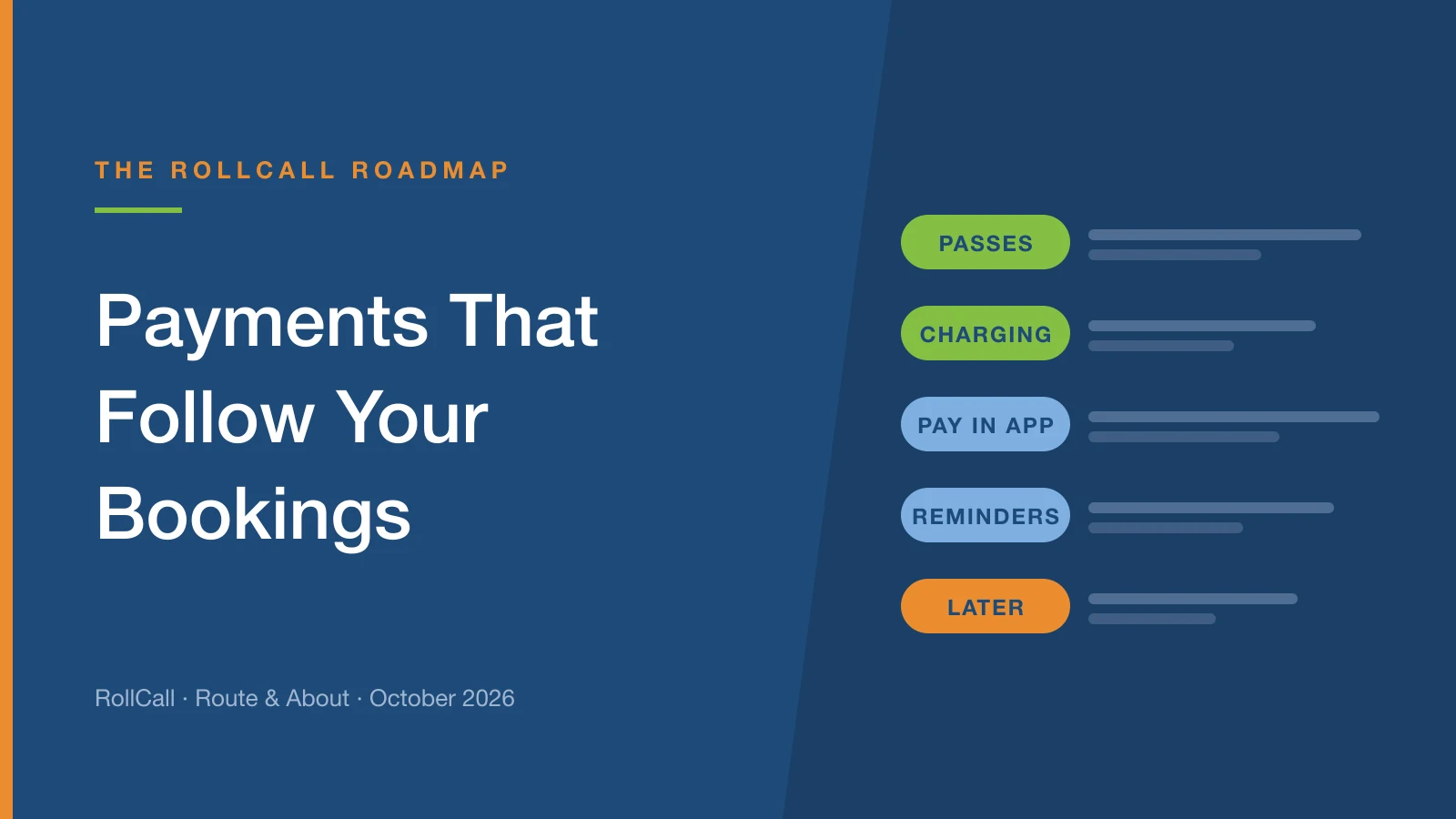
The next part of the Bookings rebuild brings the money side into the same place: term and year passes, charging in one go, and paying in the Parent App.
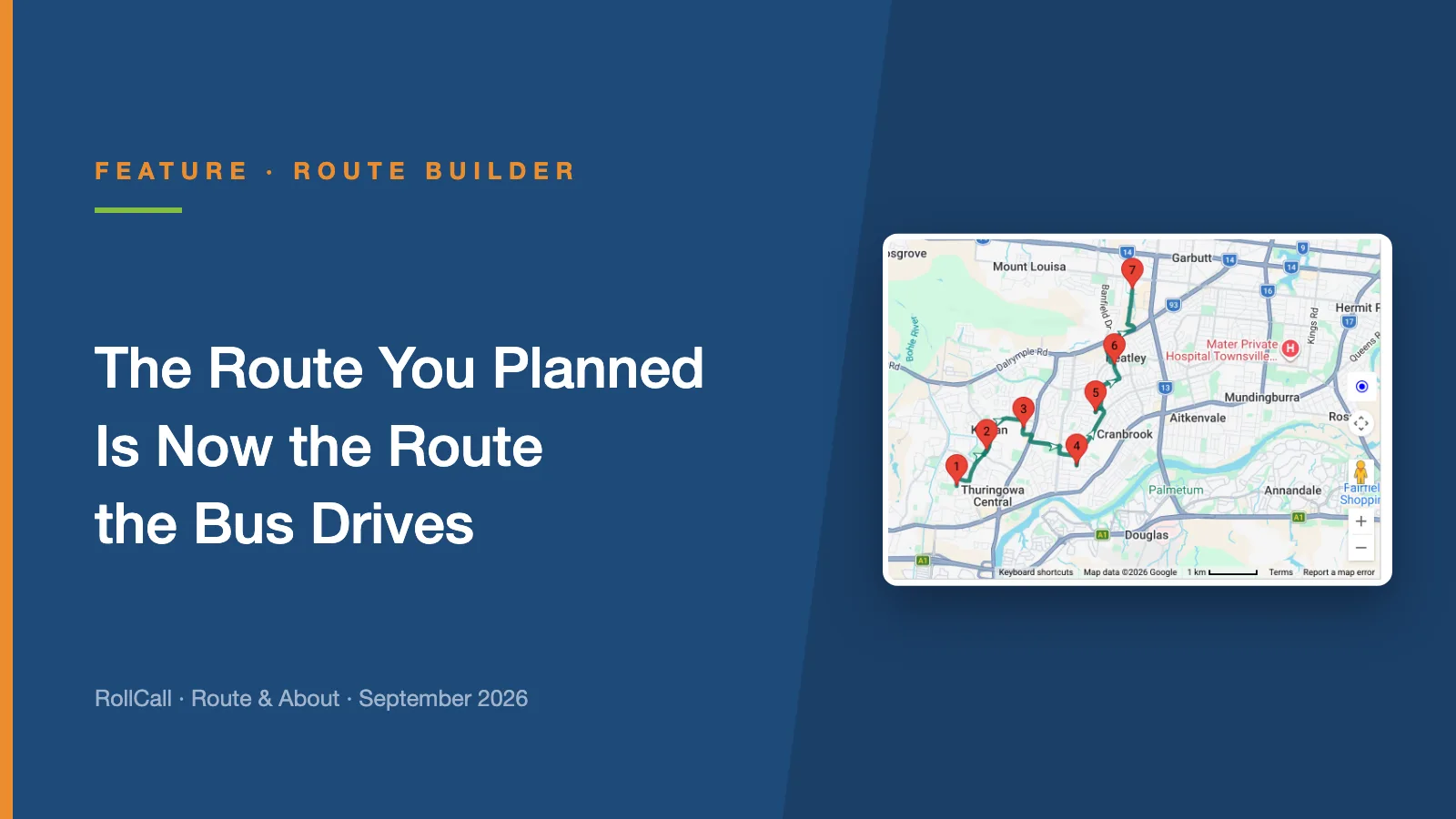
Until now, driver navigation found its own way between your stops. Plan Navigation lets you set the exact road, and the driver app follows it turn by turn.